









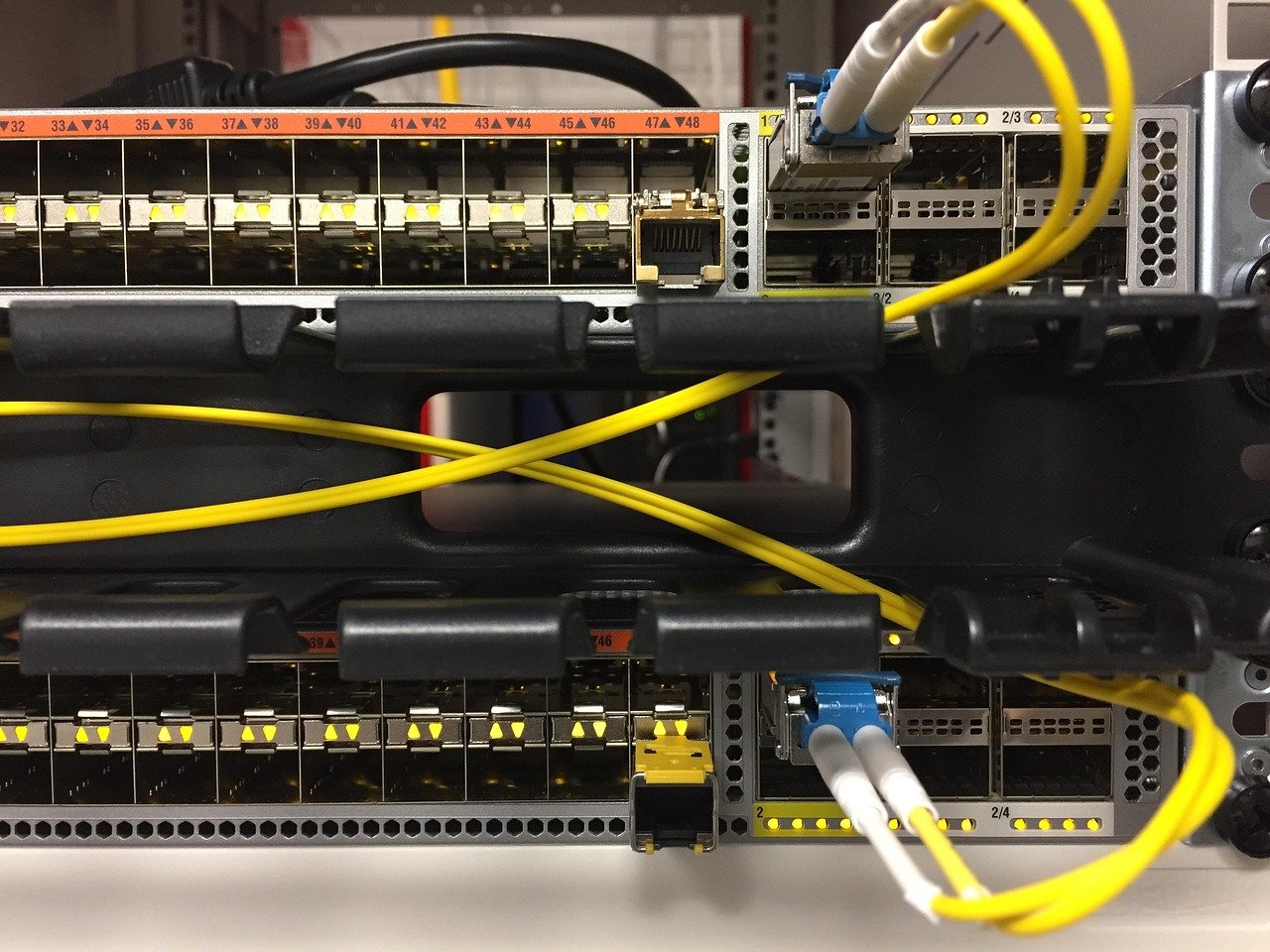
Virtual Private Servers (VPS) offer a sweet spot between shared hosting and dedicated servers, providing a balance of performance, control, and cost. But understanding VPS performance and how to optimize it is crucial for ensuring your websites and applications run smoothly. This guide dives deep into the key factors affecting VPS performance and provides actionable steps to maximize its potential.
Understanding VPS Architecture and its Impact on Performance
What is a VPS and How Does it Work?
A VPS (Virtual Private Server) is a virtualized server that resides on a physical server shared with other VPS instances. Using virtualization technology like VMware or KVM, a single physical server is partitioned into multiple isolated virtual environments. Each VPS acts as a dedicated server with its own operating system, CPU, RAM, and storage. This isolation is key, as it prevents one VPS from negatively impacting the performance of others on the same physical server.
Resource Allocation and its Implications
The performance of your VPS hinges significantly on the resources allocated to it. Common resource metrics include:
- CPU (Central Processing Unit): Determines the processing power available for your applications. Insufficient CPU can lead to slow response times and application bottlenecks.
Example: A website hosting an e-commerce platform requires more CPU resources compared to a static blog. Choose a plan with sufficient CPU cores and clock speed to handle peak traffic.
- RAM (Random Access Memory): Provides short-term data storage for running applications. Lack of RAM forces the system to use slower disk storage (swap space), severely impacting performance.
Example: A VPS running a database server like MySQL or PostgreSQL will benefit greatly from ample RAM. Monitor your RAM usage and upgrade if you consistently see high utilization.
- Storage (SSD vs. HDD): Storage type significantly affects read/write speeds. SSDs (Solid State Drives) offer much faster performance compared to traditional HDDs (Hard Disk Drives).
Example: Using SSD storage for your VPS operating system and databases will drastically improve boot times, application loading, and overall responsiveness.
- Bandwidth: Determines the amount of data transfer allowed per month. Exceeding your bandwidth limit can result in reduced speed or even service suspension.
Example: If your website hosts large files (e.g., videos, high-resolution images) or experiences high traffic, ensure your VPS plan provides sufficient bandwidth. Consider a Content Delivery Network (CDN) to offload static content and reduce bandwidth consumption on your server.
The “Noisy Neighbor” Effect and Mitigation
While VPS environments are isolated, a phenomenon known as the “noisy neighbor” effect can still occur. This happens when another VPS on the same physical server consumes excessive resources, impacting the performance of other VPS instances. Reputable VPS providers implement resource monitoring and allocation mechanisms to mitigate this issue.
- Solutions:
Choose a VPS provider with a good reputation for resource management and over-selling avoidance. Read reviews and inquire about their resource allocation policies.
Consider a VPS hosting on a less densely populated server, even if it costs slightly more.
Monitor your VPS performance regularly and report any unusual spikes or slowdowns to your provider.
Key Performance Indicators (KPIs) for VPS
Understanding and Monitoring Essential Metrics
To effectively assess and optimize your VPS performance, you need to monitor key performance indicators (KPIs). These metrics provide valuable insights into your server’s health and resource utilization.
- CPU Usage: Percentage of CPU resources being utilized. High CPU usage indicates potential bottlenecks or inefficient applications.
- RAM Usage: Percentage of RAM being utilized. Consistent high RAM usage indicates the need for more memory.
- Disk I/O: Rate at which data is being read from and written to the disk. High disk I/O can indicate slow storage or inefficient database queries.
- Network Traffic: Amount of data being transferred in and out of the server. Excessive network traffic can indicate security breaches or bandwidth limitations.
- Load Average: Average number of processes waiting to be executed. A high load average indicates that the system is overloaded.
- Response Time: Time taken for the server to respond to a request. A critical metric for website performance.
Tools for Monitoring VPS Performance
Several tools are available for monitoring VPS performance. Choose tools that provide real-time monitoring, historical data, and alerting capabilities.
- Built-in tools: Most operating systems provide built-in tools like
top,htop,iostat, andnetstatfor monitoring resource usage. - Server monitoring software: Tools like cPanel, Plesk, and Webmin provide graphical interfaces for monitoring server performance.
- Third-party monitoring services: Services like New Relic, Datadog, and Prometheus offer advanced monitoring features, including real-time dashboards, alerting, and performance analysis.
- Uptime monitoring services: Services like Pingdom and UptimeRobot monitor your website’s uptime and response time from various locations.
Setting Up Alerts for Performance Issues
Proactive monitoring and alerting are crucial for identifying and addressing performance issues before they impact your users. Configure alerts to notify you when specific metrics exceed predefined thresholds.
- Examples:
Alert when CPU usage exceeds 80% for more than 5 minutes.
Alert when RAM usage exceeds 90% for more than 10 minutes.
Alert when the average response time exceeds 2 seconds.
Alert when disk space utilization exceeds 95%.
Optimizing Your VPS for Performance
Operating System and Software Optimization
The choice of operating system and the configuration of your software stack can significantly impact VPS performance.
- Choose a lightweight operating system: Consider using a lightweight Linux distribution like Debian, Ubuntu Server (minimal install), or CentOS Stream, which consume fewer resources than desktop environments.
- Optimize your web server (Apache, Nginx):
Tune Apache’s mpm_prefork, mpm_worker, or mpm_event modules based on your server’s resources and traffic patterns. Nginx generally requires less tweaking and performs well with default settings, but review the configuration for optimal caching.
Enable caching mechanisms like page caching and object caching to reduce server load.
Implement Gzip compression to reduce the size of transmitted data.
Use HTTP/2 for faster page loading.
- Optimize your database server (MySQL, PostgreSQL):
Tune database parameters like innodb_buffer_pool_size (MySQL) or shared_buffers (PostgreSQL) based on your server’s RAM.
Optimize database queries using indexes and query optimization techniques.
Enable caching mechanisms like query caching.
- Keep your software up-to-date: Regularly update your operating system, web server, database server, and other software to patch security vulnerabilities and improve performance.
Caching Strategies for Faster Loading Times
Caching is a fundamental technique for improving website performance by storing frequently accessed data in a faster storage location.
- Browser caching: Configure your web server to instruct browsers to cache static assets like images, CSS files, and JavaScript files. Use appropriate cache control headers.
- Server-side caching: Implement server-side caching mechanisms like:
Page caching: Cache the entire HTML output of your website pages.
Examples: Varnish Cache, Nginx FastCGI cache, WordPress caching plugins (e.g., WP Super Cache, W3 Total Cache).
Object caching: Cache database queries, API responses, and other data objects.
Examples: Memcached, Redis.
- CDN (Content Delivery Network): Use a CDN to cache and deliver static content from geographically distributed servers, reducing latency for users worldwide.
Examples: Cloudflare, Amazon CloudFront, Akamai.
Database Optimization Techniques
Database performance is crucial for dynamic websites and applications. Optimizing your database can significantly improve response times.
- Indexing: Create indexes on frequently queried columns to speed up data retrieval.
Example: If you frequently query a database table by user ID, create an index on the user_id column.
- Query optimization: Analyze and optimize slow-running queries using query profilers.
Example: Use the EXPLAIN statement in MySQL or PostgreSQL to identify potential bottlenecks in your queries.
- Database tuning: Adjust database server parameters to optimize performance based on your server’s resources and workload.
- Connection pooling: Use connection pooling to reduce the overhead of establishing new database connections.
Security Considerations and their Impact on Performance
Security Measures and Potential Performance Overhead
Security is paramount for any server, but certain security measures can impact performance. Striking a balance between security and performance is essential.
- Firewall: A firewall protects your server from unauthorized access but can introduce some performance overhead.
Solution: Configure your firewall rules carefully to minimize unnecessary filtering. Use a lightweight firewall like iptables or ufw.
- Intrusion Detection/Prevention Systems (IDS/IPS): IDS/IPS can detect and prevent malicious activity but can consume significant resources.
Solution: Use a cloud-based IDS/IPS or optimize the configuration of your on-premise IDS/IPS to minimize false positives.
- SSL/TLS encryption: SSL/TLS encryption secures communication between your server and clients but can add some processing overhead.
Solution: Use hardware acceleration for SSL/TLS encryption or optimize your SSL/TLS configuration. Use modern protocols like TLS 1.3 and enable OCSP stapling.
Best Practices for Secure and Performant VPS
Implementing the following best practices can help you maintain a secure and performant VPS environment:
- Keep your software up-to-date: Regularly update your operating system, web server, database server, and other software to patch security vulnerabilities and improve performance.
- Use strong passwords: Use strong, unique passwords for all user accounts and services.
- Implement multi-factor authentication: Enable multi-factor authentication (MFA) for all user accounts to add an extra layer of security.
- Disable unnecessary services: Disable any services that are not required to reduce the attack surface and improve performance.
- Regularly scan for malware: Use a malware scanner to regularly scan your server for malicious software.
- Implement security monitoring: Monitor your server logs for suspicious activity.
Scaling Your VPS Resources
When and How to Scale Your VPS
As your website or application grows, you may need to scale your VPS resources to handle increased traffic and workload. Scaling can be done vertically (upgrading resources on the existing VPS) or horizontally (adding more VPS instances).
- Vertical scaling: Upgrading the CPU, RAM, storage, or bandwidth of your existing VPS.
When to scale vertically: When your VPS is consistently reaching its resource limits (e.g., high CPU usage, high RAM usage).
How to scale vertically: Most VPS providers allow you to upgrade your plan with a few clicks.
- Horizontal scaling: Adding more VPS instances and distributing the workload across them.
When to scale horizontally: When your application architecture supports horizontal scaling (e.g., using a load balancer to distribute traffic across multiple servers).
How to scale horizontally: Set up a load balancer and configure it to distribute traffic across your VPS instances.
Choosing the Right Scaling Strategy
The best scaling strategy depends on your application architecture and resource requirements.
- Vertical scaling is simpler and faster but has limitations. Eventually, you will reach the maximum resources available on a single VPS.
- Horizontal scaling is more complex but offers greater scalability and redundancy. It requires careful planning and a well-designed application architecture.
Conclusion
Optimizing VPS performance is an ongoing process that requires careful monitoring, analysis, and tuning. By understanding the key factors affecting performance and implementing the techniques discussed in this guide, you can ensure that your VPS delivers optimal performance for your websites and applications. Remember to prioritize security, monitor your resources regularly, and scale your VPS as needed to accommodate growth. By consistently focusing on performance, you can provide a smooth and responsive user experience, leading to increased customer satisfaction and success.