









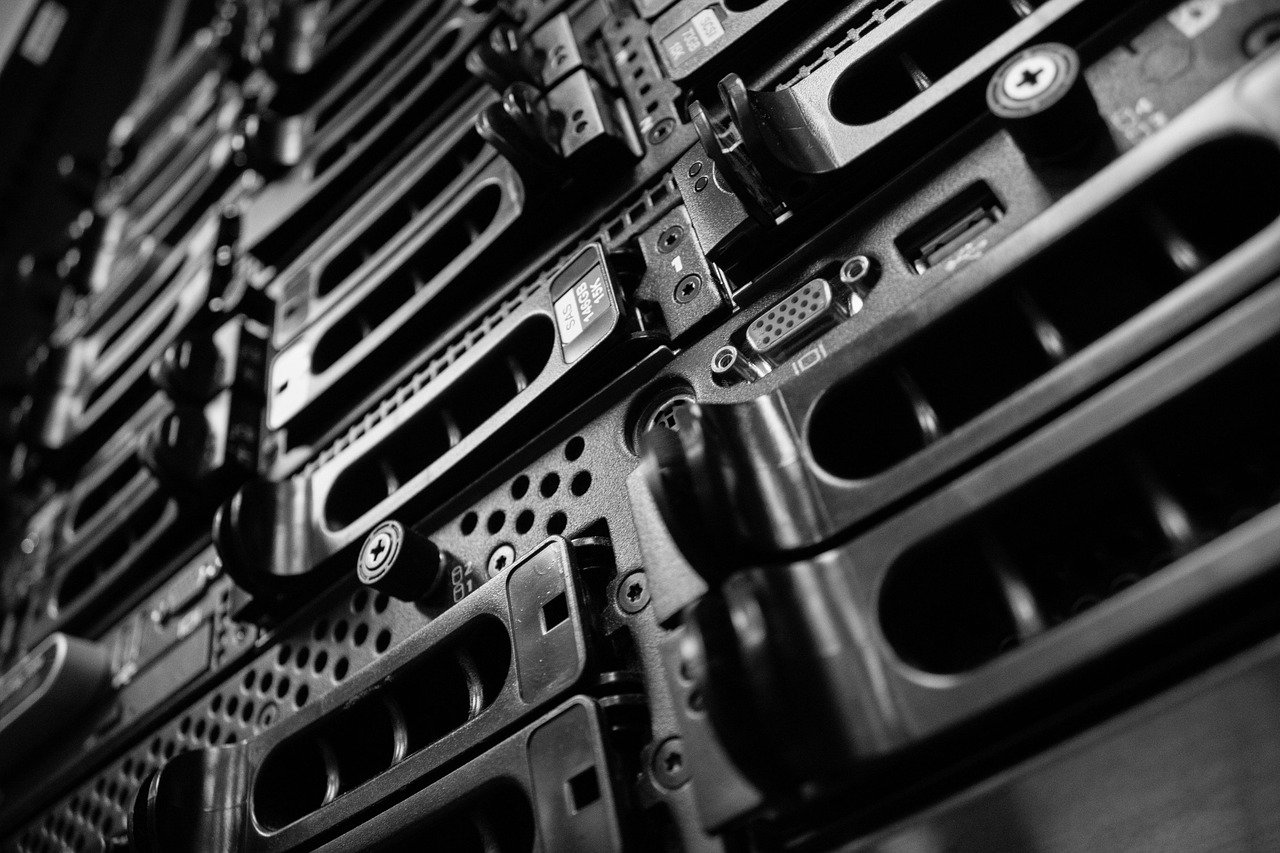
Upgrading your server hardware can feel like a daunting task, but it’s an essential process for businesses looking to maintain peak performance, ensure data security, and stay competitive in today’s fast-paced digital world. From faster processing speeds to increased storage capacity, the benefits of a well-planned server hardware upgrade are numerous. This guide will walk you through the key considerations and steps involved in upgrading your server hardware, helping you make informed decisions and execute a smooth transition.
Why Upgrade Your Server Hardware?
Upgrading your server hardware isn’t just about keeping up with the latest technology; it’s a strategic investment that can significantly impact your business operations. Several factors can trigger the need for an upgrade, and understanding these reasons is crucial for effective decision-making.
Performance Bottlenecks and Scalability
- Increased traffic: As your website or application gains popularity, your server needs to handle a larger volume of requests. Older hardware may struggle to keep up, leading to slow loading times and frustrated users. A recent study showed that 47% of consumers expect a webpage to load in two seconds or less.
- Growing data volumes: Businesses are generating and storing more data than ever before. Outdated servers may lack the storage capacity and processing power to efficiently manage this data, impacting data analytics and other critical operations.
- Application demands: Newer software applications often require more processing power and memory than older versions. Upgrading your server hardware ensures that these applications run smoothly and efficiently.
- Scalability limitations: Old hardware may not be able to scale to meet your growing business needs. Upgrading provides the flexibility to add more resources as required.
Security Vulnerabilities and Compliance
- Outdated security features: Older server hardware may lack the latest security features, making it more vulnerable to cyberattacks. Upgrading to newer hardware can provide enhanced security and protection for your data.
- Software compatibility: As software evolves, older hardware may no longer be compatible with the latest security patches and updates.
- Compliance requirements: Many industries have strict regulations regarding data security and privacy. Upgrading your server hardware can help you meet these compliance requirements.
Efficiency and Cost Savings
- Energy consumption: Newer server hardware is often more energy-efficient than older models, resulting in lower energy bills.
- Reduced downtime: Older servers are more prone to failures and downtime, which can be costly for businesses. Upgrading to newer hardware can improve reliability and reduce downtime. Gartner estimates that the average cost of IT downtime is $5,600 per minute.
- Lower maintenance costs: Older hardware requires more frequent maintenance and repairs, which can add up over time. Upgrading to newer hardware can reduce maintenance costs and improve overall efficiency.
- Increased productivity: Faster processing speeds and improved performance can boost employee productivity and efficiency.
Planning Your Server Hardware Upgrade
A successful server hardware upgrade requires careful planning and consideration. Before you start buying new hardware, take the time to assess your needs, budget, and timeline.
Assessing Your Needs
- Performance analysis: Conduct a thorough performance analysis to identify bottlenecks and areas where your current server is lacking. Use monitoring tools to track CPU utilization, memory usage, disk I/O, and network traffic.
- Capacity planning: Estimate your future storage and processing needs based on your business growth projections. Consider factors such as increased traffic, new applications, and data growth.
- Software compatibility: Ensure that your new hardware is compatible with your existing software applications and operating systems. Check the vendor’s compatibility matrix for detailed information.
- Security requirements: Identify your security requirements based on your industry regulations and risk assessment. Choose hardware that meets these requirements and provides the necessary security features.
Budgeting and ROI
- Hardware costs: Research the cost of different server hardware components, including CPUs, memory, storage, and network cards. Get quotes from multiple vendors to compare prices.
- Software licensing: Factor in the cost of any software licenses that you may need to upgrade or purchase.
- Implementation costs: Consider the costs of installation, configuration, and data migration. You may need to hire a qualified IT professional to assist with the upgrade.
- ROI analysis: Calculate the return on investment (ROI) of the server hardware upgrade. Consider factors such as increased productivity, reduced downtime, and lower energy costs.
Choosing the Right Hardware
- CPUs: Select a CPU with sufficient cores and clock speed to handle your workload. Consider factors such as the number of users, the complexity of your applications, and the amount of data you need to process.
- Memory: Ensure that your server has enough RAM to handle your applications and data. Insufficient RAM can lead to performance bottlenecks and slow loading times.
- Storage: Choose the right type of storage based on your performance and capacity needs. SSDs (Solid State Drives) offer faster performance than traditional HDDs (Hard Disk Drives), but they are also more expensive. Consider using a combination of SSDs and HDDs to optimize performance and cost.
- Network cards: Select a network card with sufficient bandwidth to handle your network traffic. Consider factors such as the number of users, the amount of data you transfer, and the speed of your internet connection.
Implementing the Server Hardware Upgrade
Once you have planned your upgrade, it’s time to implement it. This process involves installing the new hardware, migrating your data, and testing the new system.
Data Backup and Migration
- Full system backup: Before you start the upgrade process, create a full backup of your entire server. This will ensure that you can restore your data in case of any issues.
- Data migration strategy: Develop a data migration strategy that minimizes downtime and ensures data integrity. Consider using a data migration tool to automate the process.
- Testing and verification: After the data migration is complete, thoroughly test and verify that all data has been transferred correctly.
Hardware Installation and Configuration
- Physical installation: Carefully install the new hardware components in your server. Follow the manufacturer’s instructions and take precautions to avoid static electricity.
- BIOS configuration: Configure the BIOS settings to recognize the new hardware. This may involve updating the BIOS firmware.
- Operating system installation: Install or upgrade the operating system on the new server. Ensure that the operating system is compatible with the new hardware.
- Driver installation: Install the necessary drivers for the new hardware components. Download the drivers from the manufacturer’s website.
Testing and Validation
- Performance testing: Conduct performance tests to verify that the new server is meeting your performance requirements. Use benchmarking tools to measure CPU utilization, memory usage, disk I/O, and network traffic.
- Application testing: Test your applications to ensure that they are running smoothly and efficiently on the new server.
- Security testing: Conduct security tests to identify any vulnerabilities in the new system. Use security scanning tools to check for common security flaws.
- User acceptance testing: Involve end-users in the testing process to ensure that the new server meets their needs.
Post-Upgrade Monitoring and Maintenance
After the server hardware upgrade is complete, it’s important to monitor and maintain the new system to ensure optimal performance and reliability.
Performance Monitoring
- Real-time monitoring: Implement real-time monitoring tools to track the performance of your server. Monitor CPU utilization, memory usage, disk I/O, and network traffic.
- Alerting and notifications: Set up alerts and notifications to be notified of any performance issues. This will allow you to proactively address problems before they impact your users.
- Log analysis: Regularly analyze server logs to identify any errors or warnings. This can help you troubleshoot problems and prevent future issues.
Security Maintenance
- Security patches and updates: Regularly apply security patches and updates to protect your server from vulnerabilities. Subscribe to security advisories from your software and hardware vendors.
- Firewall configuration: Configure your firewall to protect your server from unauthorized access. Restrict access to only necessary ports and services.
- Intrusion detection: Implement an intrusion detection system (IDS) to monitor your network for malicious activity.
Regular Maintenance
- Disk defragmentation: Regularly defragment your hard drives to improve performance.
- File system checks: Run file system checks to identify and repair any errors.
- Hardware diagnostics: Periodically run hardware diagnostics to identify any potential hardware failures.
Conclusion
Upgrading your server hardware is a critical investment that can improve performance, enhance security, and reduce costs. By carefully planning the upgrade, choosing the right hardware, and implementing the process correctly, you can ensure a smooth transition and maximize the benefits of your new system. Continuous monitoring and maintenance are essential for maintaining optimal performance and preventing future issues. Remember to always back up your data before any major changes!