









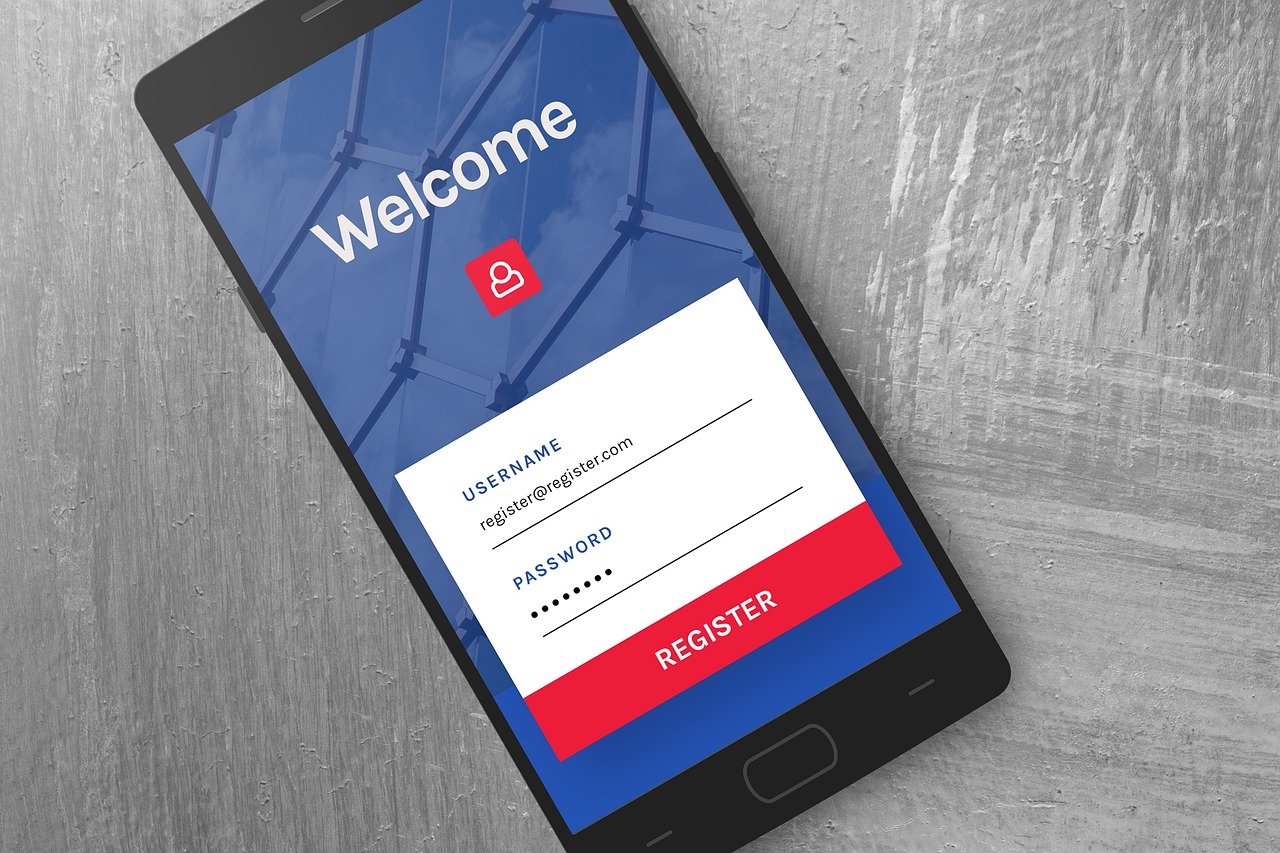
Integrating social media into your website and overall digital strategy isn’t just a trendy tactic; it’s a crucial element for building brand awareness, driving traffic, and fostering customer relationships in today’s interconnected world. A well-executed social media integration strategy can transform your website from a static brochure into a dynamic hub that connects with your audience on multiple levels, fostering engagement and ultimately boosting conversions.
What is Social Media Integration and Why Does It Matter?
Defining Social Media Integration
Social media integration refers to the seamless incorporation of social media elements into your website and other digital platforms. This includes adding social sharing buttons, embedding social media feeds, using social login options, and running social media campaigns that drive traffic back to your site. It’s about creating a cohesive user experience across all your online touchpoints.
The Benefits of Integrating Social Media
Why bother with social media integration? Here are some compelling reasons:
- Increased Website Traffic: Social sharing buttons encourage visitors to share your content, driving more organic traffic back to your website.
- Enhanced Brand Awareness: Consistent brand messaging across all platforms strengthens brand recognition and reinforces your brand identity.
- Improved SEO: Social signals (likes, shares, comments) can indirectly influence your search engine ranking. While not a direct ranking factor, they contribute to increased visibility and authority.
- Boosted User Engagement: Embedded social media feeds and comments sections encourage interaction and create a sense of community.
- Gathering Customer Insights: Analyzing social media data provides valuable insights into customer preferences, behaviors, and demographics.
- Improved Customer Service: Social media provides a direct channel for customer support, allowing you to address concerns and build stronger relationships.
In fact, according to a HubSpot study, companies that actively integrate social media into their marketing efforts see an average of 37% more leads.
Integrating Social Sharing Buttons
Choosing the Right Social Sharing Buttons
Selecting the right social sharing buttons is crucial for maximizing their effectiveness. Consider your target audience and the social media platforms they use most frequently. Popular options include:
- Twitter (X)
Don’t overwhelm visitors with too many options. Choose the most relevant platforms for your industry and target audience.
Placement and Design Considerations
The placement and design of social sharing buttons can significantly impact their usage. Consider these tips:
- Placement: Strategically place buttons near content that is likely to be shared, such as blog posts, product pages, and news articles. Common locations include the top, bottom, or side of the page. Floating share buttons that remain visible as the user scrolls are also effective.
- Design: Use clear and recognizable social media icons. Ensure that the buttons are visually appealing and blend seamlessly with your website’s design.
- Mobile Optimization: Make sure the buttons are responsive and easily accessible on mobile devices.
Example: A food blog might place prominent Pinterest sharing buttons on recipe pages, encouraging users to share visually appealing images of the finished dishes.
Embedding Social Media Feeds
Displaying Real-Time Social Content
Embedding social media feeds on your website allows you to showcase real-time social content, keeping your website dynamic and engaging. This can include:
- Tweets from your brand’s Twitter account
- Instagram posts showcasing user-generated content
- Facebook posts highlighting recent updates and announcements
Tools and Plugins for Embedding Feeds
Several tools and plugins can help you embed social media feeds on your website. Some popular options include:
- WordPress Plugins: Numerous WordPress plugins are available for embedding social media feeds, such as Smash Balloon Social Photo Feed (Instagram) and Custom Twitter Feeds.
- Third-Party Services: Services like Juicer and Walls.io allow you to aggregate content from multiple social media platforms and display it in a visually appealing format.
Example: A clothing retailer might embed their Instagram feed on their website, showcasing customer photos wearing their products and inspiring others to make a purchase.
Implementing Social Login
Streamlining the User Experience
Social login allows users to register and log in to your website using their existing social media accounts, streamlining the user experience and reducing friction. This can lead to:
- Increased registration rates
- Simplified login process
- Reduced password fatigue
Security and Privacy Considerations
When implementing social login, it’s essential to address security and privacy concerns. Be transparent about the data you collect and how you use it. Ensure that your website has a clear privacy policy that outlines your data practices.
Popular Social Login Providers
Popular social login providers include:
- Twitter (X)
Choose providers that are widely used and trusted by your target audience.
Example: An e-commerce website could implement social login via Facebook or Google, allowing users to quickly create an account and start shopping without having to fill out lengthy registration forms.
Leveraging Social Media for Lead Generation
Integrating Social Media Campaigns
Integrating your social media campaigns with your website can be a powerful way to generate leads. This involves:
- Running social media contests and promotions that drive traffic to landing pages on your website.
- Using social media ads to promote lead magnets, such as ebooks, whitepapers, or free trials.
- Incorporating social sharing buttons on your landing pages to encourage visitors to share your content and generate more leads.
Utilizing Social Listening Tools
Social listening tools allow you to monitor social media conversations related to your brand, industry, and competitors. This information can be used to:
- Identify potential leads who are actively searching for solutions you offer.
- Engage with prospects and build relationships.
- Gain insights into customer needs and preferences.
Measuring the ROI of Social Media Integration
It’s crucial to track the ROI of your social media integration efforts. Key metrics to monitor include:
- Website traffic from social media
- Lead generation from social media campaigns
- Conversion rates from social media traffic
- Social media engagement (likes, shares, comments)
By tracking these metrics, you can identify what’s working and what’s not, and optimize your strategy accordingly. Google Analytics is a good tool to track website traffic from social media.
Conclusion
Social media integration is no longer optional; it’s a necessity for businesses that want to thrive in the digital age. By strategically integrating social media elements into your website and digital marketing efforts, you can increase website traffic, enhance brand awareness, improve customer engagement, and generate more leads. Remember to choose the right tools and strategies for your target audience, track your results, and continuously optimize your approach to maximize your ROI.