









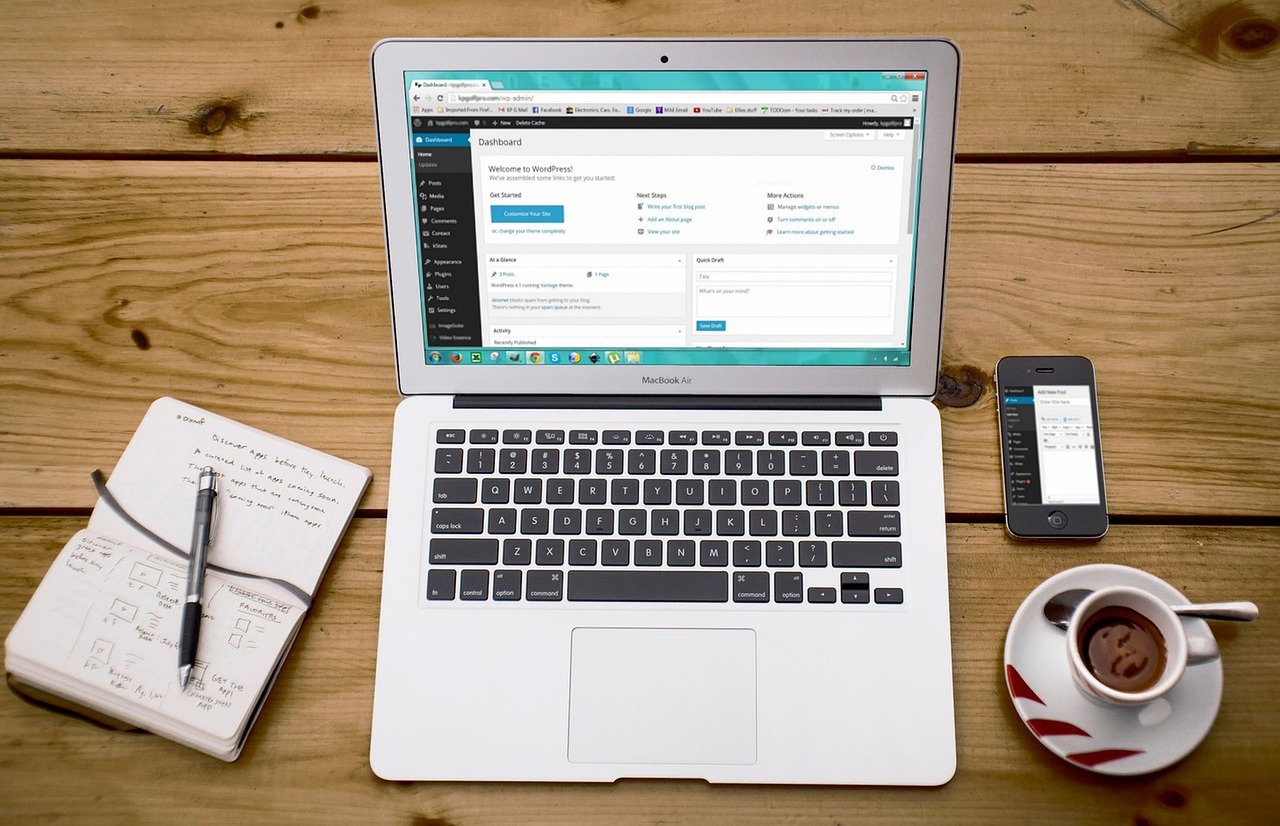
Creating a professional website used to require coding expertise or a hefty budget for a web developer. But times have changed! Today, a plethora of user-friendly site builders empower anyone, regardless of technical skills, to create a stunning online presence. This blog post will guide you through the world of easy-to-use site builders, exploring their benefits, features, and how to choose the right one for your needs.
What is an Easy-to-Use Site Builder?
Defining “Easy-to-Use”
An easy-to-use site builder is a platform designed for users with little to no coding knowledge to create websites. They typically feature:
- Drag-and-drop interface: Allows you to visually design your website by simply dragging and dropping elements onto the page.
- Pre-designed templates: Offer a wide variety of professionally designed templates that can be easily customized to fit your brand.
- Visual editing tools: Provide intuitive controls for adjusting fonts, colors, layouts, and other design elements.
- Simplified content management: Make it easy to add, edit, and organize your website’s content.
Benefits of Using a Site Builder
- Cost-effective: Significantly cheaper than hiring a web developer, often with affordable monthly or annual subscription plans.
- Time-saving: Quickly launch your website without spending weeks or months learning to code.
- No coding required: Eliminates the need for technical skills, making website creation accessible to everyone.
- Customizable templates: Offers a variety of professionally designed templates that can be easily customized to match your brand.
- Easy content management: Simplifies the process of adding, editing, and organizing your website content.
- Mobile responsiveness: Most modern site builders automatically create mobile-friendly websites.
- Built-in SEO tools: Often include basic SEO features to help improve your website’s visibility in search engine results.
Key Features to Look For
Drag-and-Drop Functionality
The drag-and-drop interface is the cornerstone of user-friendly site builders. It should be intuitive and allow you to easily position elements on the page.
- Example: Look for a builder that allows you to easily resize images, move text blocks, and add buttons with a simple click and drag.
Template Selection
A wide selection of high-quality, customizable templates is crucial. Templates should be responsive, visually appealing, and cater to different industries and website types.
- Example: If you’re a photographer, look for templates designed to showcase your work with large image galleries and portfolio layouts.
Customization Options
While templates provide a starting point, you need to be able to customize them to reflect your brand.
- Example: Ensure the site builder allows you to change fonts, colors, add your logo, and adjust the layout to your specific needs.
SEO Tools
Basic SEO features are essential for helping your website rank in search engine results.
- Example: Look for features like:
Meta title and description editing
Custom URL slugs
Image alt text optimization
Integration with Google Search Console and Google Analytics
E-commerce Capabilities
If you plan to sell products or services online, you’ll need e-commerce features.
- Example: Look for features like:
Product listing and management
Secure payment gateway integration
Shopping cart functionality
Order management tools
Customer Support
Reliable customer support is crucial in case you encounter any issues.
- Example: Check if the site builder offers live chat, email support, or a comprehensive knowledge base.
Popular Easy-to-Use Site Builders
Wix
Wix is a popular choice known for its extensive template library and drag-and-drop interface. It offers a wide range of features and is suitable for various website types. According to Wix’s own reporting, they have over 200 million users worldwide.
Squarespace
Squarespace is known for its sleek, modern templates and user-friendly interface. It’s a great option for creating visually appealing websites, especially for portfolios and online stores.
Weebly
Weebly is a simple and affordable site builder that’s ideal for beginners. It offers a drag-and-drop interface and a range of customizable templates.
WordPress.com
WordPress.com offers a hosted version of the popular WordPress platform. While it’s not as flexible as self-hosted WordPress.org, it’s a user-friendly option for creating blogs and simple websites. It’s important to distinguish this from WordPress.org, which requires more technical expertise.
Strikingly
Strikingly specializes in one-page websites, perfect for showcasing a single product, service, or portfolio. It’s known for its ease of use and mobile-first design.
Choosing the Right Site Builder for You
Defining Your Needs
Before choosing a site builder, it’s important to define your needs.
- What type of website are you creating? (e.g., blog, online store, portfolio, business website)
- What features do you need? (e.g., e-commerce, blog, contact form, gallery)
- What is your budget? (Consider monthly/annual subscription fees)
- How much technical expertise do you have?
Trial and Error
Most site builders offer free trials or free plans. Take advantage of these to test out different platforms and see which one you find most intuitive and meets your needs.
- Tip: Create a sample website on each platform to get a feel for the interface and available features.
Read Reviews
Research online reviews and testimonials to get insights from other users.
- Example: Look for reviews that discuss the platform’s ease of use, customer support, and overall value.
Conclusion
Easy-to-use site builders have revolutionized the way websites are created, empowering individuals and small businesses to establish an online presence without the need for coding skills. By understanding the key features and benefits of these platforms, and carefully considering your own needs, you can choose the right site builder to create a stunning and effective website. Take advantage of free trials, explore different options, and don’t be afraid to experiment! The perfect website builder is out there, waiting to help you bring your online vision to life.