









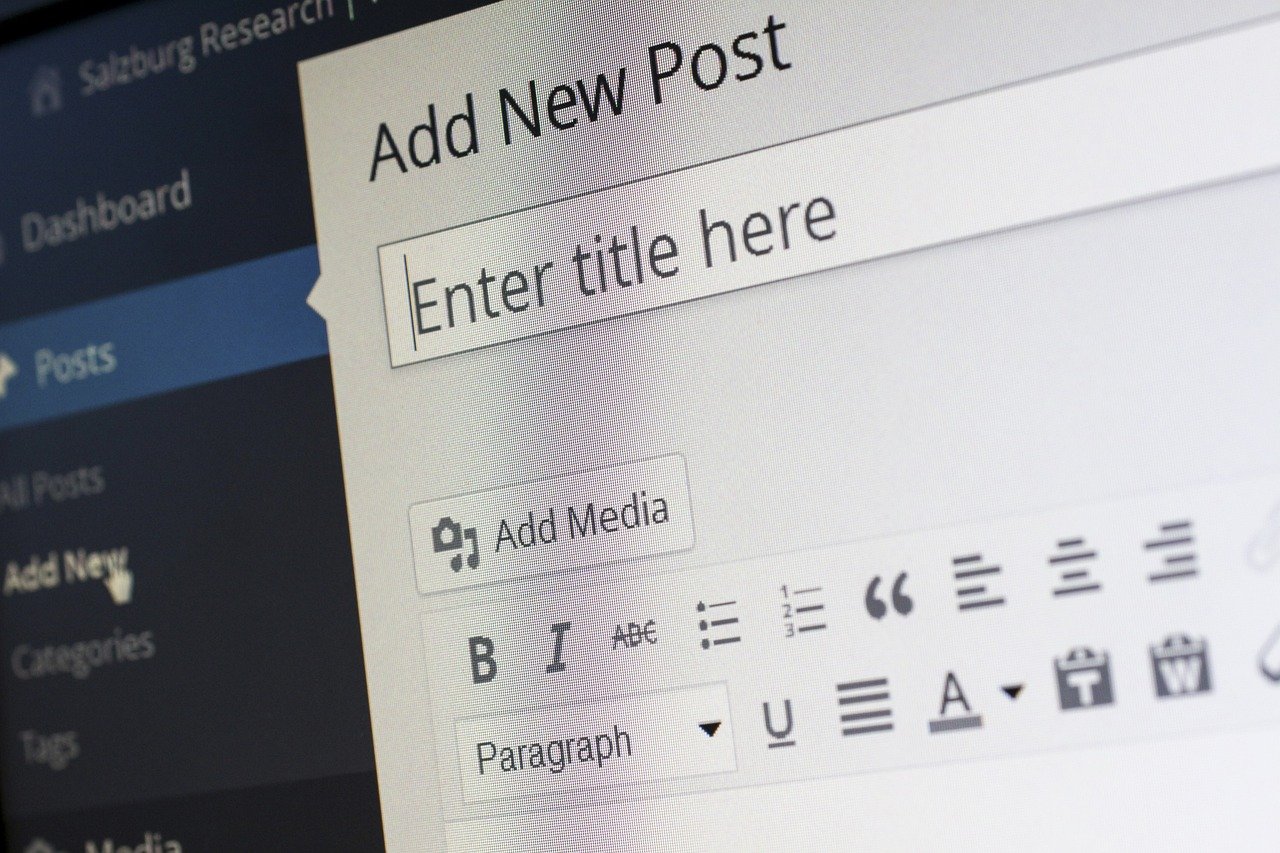
Creating a stunning website doesn’t always require a hefty budget or extensive coding knowledge. With the rise of free site builders, anyone can craft a professional online presence, from small businesses and entrepreneurs to bloggers and hobbyists. These tools offer a range of features and functionalities, empowering users to build websites quickly and easily. Let’s delve into the world of free site builders and discover how they can help you establish your corner of the internet.
What are Free Site Builders?
Definition and Core Functionality
Free site builders are online platforms that allow users to create websites without needing to write code. They typically provide drag-and-drop interfaces, pre-designed templates, and essential features to build and customize websites.
- Drag-and-Drop Interface: Simplifies website creation by allowing users to move elements like text, images, and buttons onto the page.
- Pre-designed Templates: Offers a selection of professionally designed templates that can be customized to fit specific needs.
- Hosting and Domain (sometimes): Some free builders include free hosting and a subdomain, while others require you to use your own. This can affect your ability to use a custom domain name.
- Basic Features: Typically include features like contact forms, image galleries, and social media integration.
Who Can Benefit from Using a Free Site Builder?
Free site builders are ideal for a variety of users, including:
- Small business owners: Creating a simple online presence to showcase their products or services.
- Entrepreneurs: Launching a landing page to validate a business idea.
- Bloggers: Starting a personal blog to share their thoughts and experiences.
- Hobbyists: Building a website to share their passions and connect with others.
- Students: Developing an online portfolio to showcase their skills and projects.
Benefits of Using a Free Site Builder
Cost-Effectiveness
One of the most appealing benefits of a free site builder is the cost. These platforms allow users to create a website without paying for expensive web design services or ongoing development fees. Even though premium features are often available for a price, the basic functionality is free.
- Reduced Startup Costs: Eliminates the need for significant upfront investments in website design and development.
- Free Hosting Options: Many free site builders include free hosting, further reducing expenses.
- Scalability: Allows you to start with a free plan and upgrade as your needs grow.
Ease of Use and Accessibility
Free site builders are designed to be user-friendly, even for those with limited technical skills. The drag-and-drop interfaces and pre-designed templates make website creation accessible to everyone.
- No Coding Required: Eliminates the need to write or understand code, making website creation accessible to beginners.
- Intuitive Interface: Provides a simple and easy-to-navigate interface.
- Mobile Responsiveness: Many free site builders ensure that websites are mobile-responsive, automatically adjusting to different screen sizes.
Speed and Efficiency
With free site builders, you can launch a website quickly. The pre-designed templates and drag-and-drop functionality save time and effort, allowing you to focus on creating content and engaging with your audience.
- Rapid Website Creation: Reduces the time it takes to build a website from weeks or months to days or even hours.
- Pre-Built Elements: Offers a library of pre-built elements, such as headers, footers, and call-to-action buttons, to speed up the design process.
- Easy Content Management: Simplifies the process of adding and managing content.
Popular Free Site Builders
Wix
Wix is a popular free site builder known for its intuitive drag-and-drop interface and extensive template library.
- Features: Offers a wide range of features, including Wix ADI (Artificial Design Intelligence) for automated website creation, an app market with various extensions, and SEO tools.
- Pros: User-friendly interface, large template selection, and good customization options.
- Cons: The free plan has limitations, including Wix branding on your website and limited storage space. Connecting a custom domain requires upgrading to a paid plan.
WordPress.com (Free Plan)
WordPress.com offers a free plan that provides a basic website-building experience. It’s important to distinguish this from self-hosted WordPress (WordPress.org), which requires you to find and pay for your own hosting.
- Features: Access to a limited selection of themes, basic customization options, and Jetpack essential features.
- Pros: Easy to use for blogging, reliable hosting, and a large community for support.
- Cons: Limited customization options compared to self-hosted WordPress, WordPress.com branding, and restrictions on plugins and themes. Requires a paid plan to remove branding and use a custom domain.
Google Sites
Google Sites is a simple and easy-to-use site builder that is part of the Google Workspace suite.
- Features: Drag-and-drop interface, integration with other Google services (e.g., Google Docs, Google Drive, Google Maps), and collaborative editing.
- Pros: Easy to use, free with a Google account, and seamless integration with Google services.
- Cons: Limited customization options and design flexibility compared to other site builders.
Weebly
Weebly is another popular free site builder that offers a drag-and-drop interface and a range of features for creating websites and online stores.
- Features: Easy-to-use drag-and-drop interface, e-commerce capabilities, and SEO tools.
- Pros: Simple interface, good for beginners, and includes e-commerce features in the free plan (although with limitations).
- Cons: Limited storage space in the free plan, Weebly branding, and transaction fees on sales for free plans.
Limitations of Free Site Builders
While free site builders offer many benefits, it’s important to be aware of their limitations.
Branding and Advertising
Most free site builders include their branding on your website, which can make it look less professional. They may also display advertisements on your site, which can be distracting for visitors.
- Example: Wix and Weebly free plans include their branding in the footer of your website.
- Solution: Upgrading to a paid plan usually removes the branding and advertisements.
Limited Customization and Functionality
Free plans often have limited customization options and functionality compared to paid plans. This can restrict your ability to create a unique and feature-rich website.
- Example: Many free plans limit the number of pages you can create or the amount of storage space you have.
- Solution: Evaluate your website’s needs carefully and consider upgrading to a paid plan if you require more customization or functionality.
SEO Limitations
Free site builders may have limited SEO features, which can make it difficult to rank your website in search engine results.
- Example: Some free plans restrict access to advanced SEO settings, such as custom meta descriptions or URL slugs.
- Solution: Research the SEO capabilities of the free site builder and optimize your content and website structure as much as possible. Also consider upgrading to a paid plan for more advanced SEO features.
Tips for Choosing the Right Free Site Builder
Define Your Needs and Goals
Before choosing a free site builder, it’s important to define your website’s needs and goals. Consider the following factors:
- Purpose: What is the primary purpose of your website (e.g., blogging, e-commerce, portfolio)?
- Features: What features do you need (e.g., contact form, image gallery, social media integration)?
- Design: What kind of design aesthetic are you looking for?
- SEO: How important is it for your website to rank in search engine results?
Compare Different Options
Once you have defined your needs and goals, compare different free site builders to find the one that best fits your requirements. Consider the following factors:
- Ease of Use: How easy is the site builder to use? Does it have a drag-and-drop interface?
- Templates: Does the site builder offer a variety of professionally designed templates?
- Features: Does the site builder offer the features you need?
- Limitations: What are the limitations of the free plan?
- Pricing: What are the pricing options for upgrading to a paid plan?
Test the Platform
Before committing to a free site builder, take advantage of any free trials or demo versions that are available. This will allow you to test the platform and see if it meets your needs.
- Example: Sign up for a free account and create a sample website to test the interface and features.
- Tip: Read reviews and testimonials from other users to get a better understanding of the site builder’s strengths and weaknesses.
Conclusion
Free site builders provide a valuable resource for individuals and small businesses looking to establish an online presence without breaking the bank. While they have limitations, they offer an accessible and user-friendly way to create a basic website. By carefully evaluating your needs, comparing different options, and testing the platform, you can find a free site builder that meets your requirements and helps you achieve your online goals. Remember to consider the limitations of the free plan and be prepared to upgrade to a paid plan as your needs grow. The right site builder can be a powerful tool for building your online brand and connecting with your audience.