









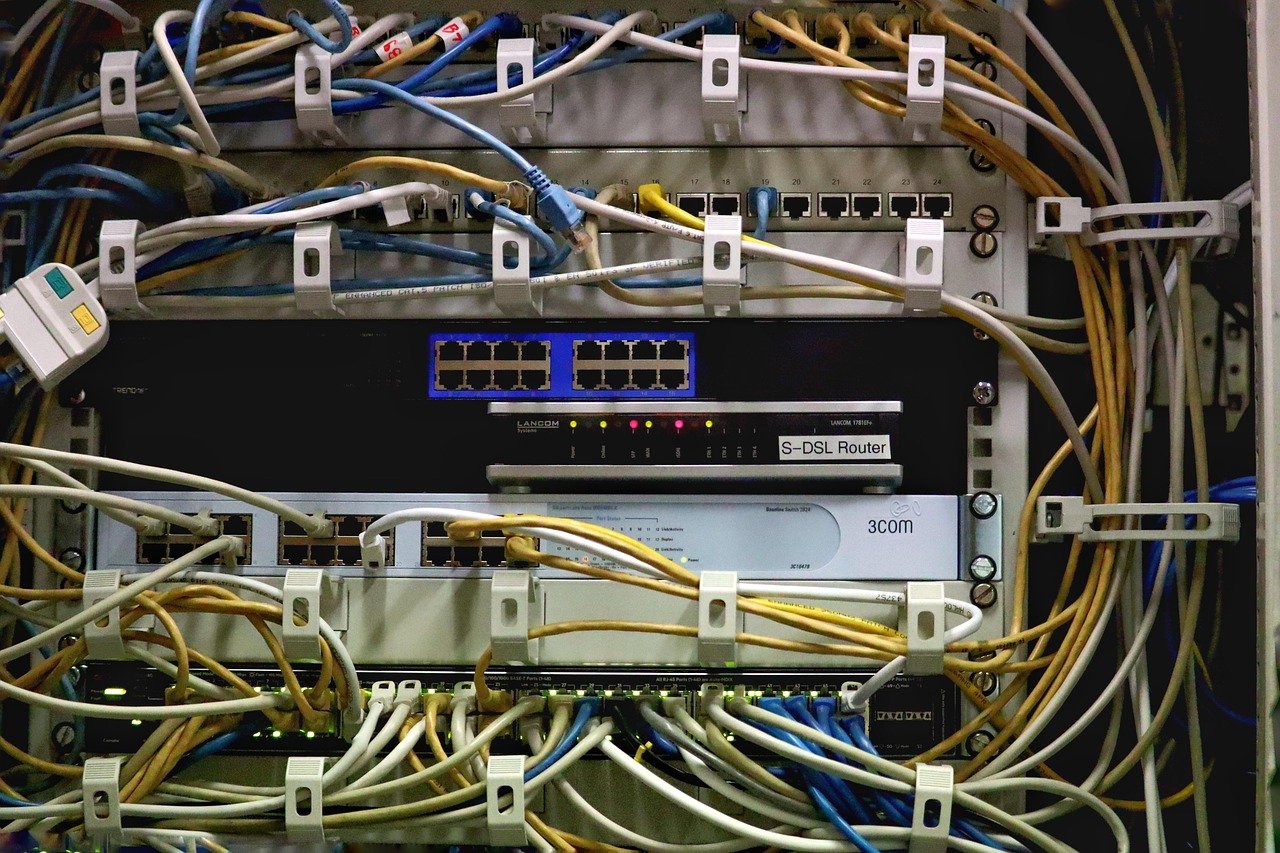
Server isolation: a cornerstone of modern, secure, and scalable IT infrastructure. As businesses increasingly rely on cloud computing and virtualized environments, understanding and implementing robust server isolation techniques becomes paramount. This article delves into the intricacies of server isolation, exploring its importance, various methods, and practical applications, ensuring your systems remain protected and perform optimally.
Understanding Server Isolation
What is Server Isolation?
Server isolation refers to the practice of separating servers and their applications from each other to prevent interference, enhance security, and improve resource management. It’s about creating boundaries so that a problem in one server, be it a security breach, a performance bottleneck, or a software crash, does not cascade and affect other servers on the network or infrastructure. Think of it as compartmentalizing a ship: if one compartment floods, the entire ship doesn’t sink.
Why is Server Isolation Important?
Server isolation is crucial for several reasons:
- Security: Prevents lateral movement of attackers within a network after a successful breach. If one server is compromised, the attacker’s access is limited to that isolated environment.
- Stability: Isolates applications and services, preventing one application’s failure from impacting others. This ensures higher uptime and service availability.
- Performance: Allows for dedicated resources and optimized configurations for individual servers or applications, leading to improved performance and reduced resource contention.
- Resource Management: Enables efficient allocation of resources like CPU, memory, and storage to individual servers based on their specific needs.
- Compliance: Helps organizations meet regulatory requirements and industry best practices related to data security and privacy.
- Simplified Management: Simplifies troubleshooting, patching, and upgrades by limiting the scope of impact.
According to a recent report by Verizon, over 70% of breaches involve lateral movement, highlighting the importance of server isolation in mitigating the impact of cyberattacks.
Methods of Implementing Server Isolation
Physical Isolation
This is the most basic form of isolation, where each server runs on dedicated physical hardware.
- Details: Each server has its own independent hardware resources, including CPU, memory, storage, and network interfaces.
- Pros: Highest level of isolation, minimal resource contention.
- Cons: Inefficient resource utilization, high cost, difficult to scale.
- Example: A bank might use physical isolation for its core banking systems due to stringent security and compliance requirements.
Virtualization
Virtualization allows multiple virtual machines (VMs) to run on a single physical server, each acting as an isolated environment.
- Details: VMs share the underlying hardware resources but are logically separated by a hypervisor. Common hypervisors include VMware vSphere, Microsoft Hyper-V, and KVM.
- Pros: Improved resource utilization, lower cost compared to physical isolation, easier to scale.
- Cons: Potential for resource contention if not properly configured, relies on the security of the hypervisor.
- Example: A company hosting multiple websites might use VMs to isolate each website’s server environment.
Containerization
Containerization is a lighter-weight form of virtualization that isolates applications within containers, sharing the operating system kernel.
- Details: Containers package an application and its dependencies together. Docker and Kubernetes are popular containerization platforms.
- Pros: Highly efficient resource utilization, fast startup times, portable across different environments.
- Cons: Less isolation than VMs, relies on the security of the container runtime.
- Example: A software development company might use Docker containers to isolate development environments for different projects.
Network Segmentation
Network segmentation divides a network into smaller, isolated segments, controlling traffic flow between them.
- Details: This can be achieved using VLANs (Virtual LANs), firewalls, and network access control lists (ACLs).
- Pros: Limits the impact of security breaches, improves network performance, simplifies network management.
- Cons: Can be complex to configure and manage.
- Example: A university might use network segmentation to isolate student networks from administrative networks.
Practical Examples and Tips for Server Isolation
Implementing VLANs for Network Segmentation
VLANs (Virtual LANs) allow you to logically segment your network without physical changes.
- Example: Create separate VLANs for different departments (e.g., Sales, Marketing, Engineering). Configure firewalls to control traffic flow between VLANs.
- Tip: Use a clear naming convention for VLANs to improve manageability. Regularly review and update firewall rules.
Securing Container Environments
Container security is paramount.
- Example: Use trusted base images for your containers. Regularly scan containers for vulnerabilities. Implement resource limits to prevent resource exhaustion.
- Tip: Use a container orchestration platform like Kubernetes for managing and securing your container deployments. Implement network policies to restrict container-to-container communication.
Best Practices for VM Isolation
Proper configuration of VMs is crucial.
- Example: Assign appropriate resource limits (CPU, memory) to each VM. Keep hypervisor software up to date with the latest security patches. Implement strong access controls for managing VMs.
- Tip: Use a dedicated network for VM management traffic. Monitor VM performance to identify and address resource contention issues.
Application-Level Isolation
Even within a single server, isolate applications as much as possible.
- Example: Use separate user accounts for each application. Implement the principle of least privilege (POLP), granting only the necessary permissions.
- Tip: Log application activity to separate log files for easier troubleshooting and security auditing.
Server Isolation and Security
Reducing the Attack Surface
Server isolation drastically reduces the attack surface by limiting the scope of a potential breach. Attackers who successfully compromise one server are prevented from easily accessing other parts of the infrastructure. This dramatically increases the effort required for lateral movement and can buy valuable time for security teams to respond.
Minimizing Data Loss
By isolating servers, organizations can minimize the potential for data loss in the event of a security incident. Sensitive data is more likely to be contained within the isolated environment, preventing it from being exfiltrated or accessed by unauthorized individuals.
Enhancing Incident Response
Server isolation simplifies incident response by allowing security teams to quickly identify and contain the scope of a breach. The isolated nature of the compromised server makes it easier to investigate the incident and implement remediation measures without disrupting other services.
Conclusion
Server isolation is an essential security and operational practice for modern IT environments. By implementing techniques such as physical isolation, virtualization, containerization, and network segmentation, organizations can significantly improve their security posture, enhance system stability, and optimize resource utilization. While the specific implementation methods may vary depending on the organization’s needs and resources, the fundamental principle of isolating servers remains crucial for protecting critical systems and data. Remember to regularly review and update your server isolation strategies to adapt to evolving threats and technologies.